
Block and Wallpapers2.3 - App Store
You'll be able to see results in few seconds.
Publisher Description
Be productive!
Say goodbye to procrastination and digital distractions and say hello to increased concentration and improved time control. You’ll be able to stay focused on what really matters and not waste time aimlessly browsing sites and apps.
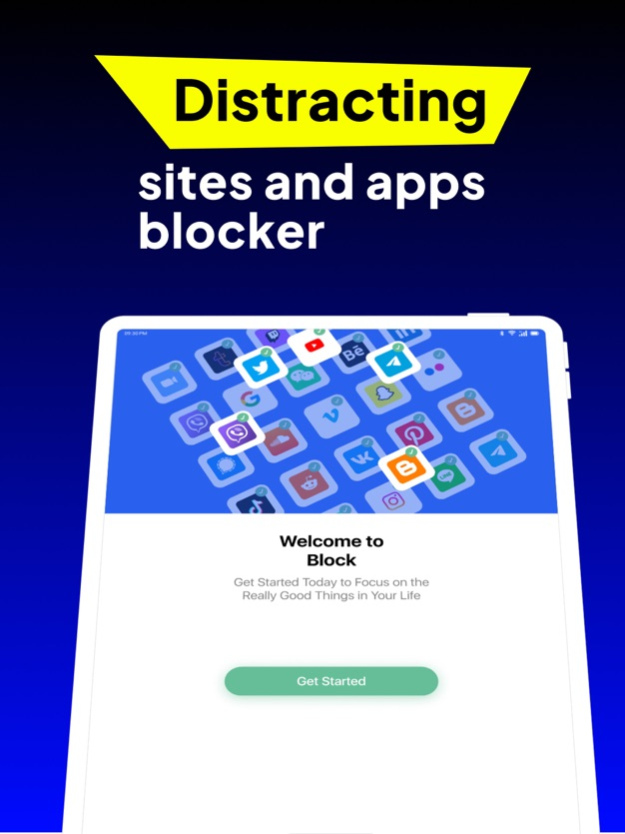
We will help you stop procrastinating and instead become productive! Thanks to our app, you will be able to block websites, applications or notifications that distract you and stay focused on the things that are actually important. Learn to use your phone as a tool for better productivity!
Get more free time
Too busy to do anything? Keep missing deadlines? How so? We will help you get back the time spend on the phone! Our app will ensure you enjoy your offtime with your family and friends or doing things that matter to you.
Digital wellbeing
Can't even imagine life without your phone? There is no need to do that, but you should consider how you use it and focus on the useful aspects. Our app will show you how and help you out!
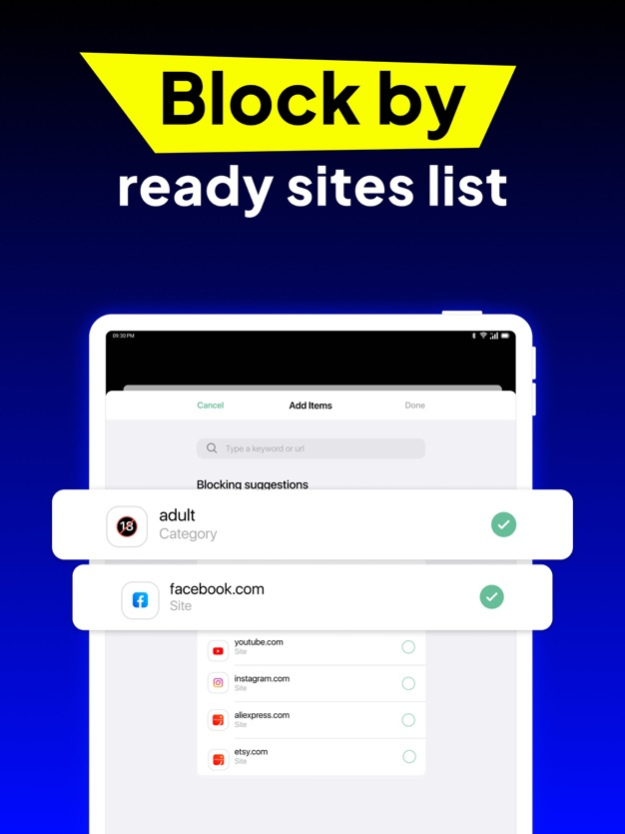
The concept is simple. Select the websites, keywords, and categories you want to block on all browsers like Google Chrome, Firefox, Safari, and more to limit your screen time, improve productivity and maintain your focus. By adding a URL, our app can also block any associated apps.
In just a few clicks, you'll be free from distractions, addictions, and other digital traps and become more in control of your time, focused, and productive.
FEATURE HIGHLIGHT
Block distracting keywords, sites, and apps:
- Manually add keywords, URLs of apps and websites you wish to block
Block by category
- A few examples of categories include social media, adult content, news, gambling, and sports. You can decide whether you want to block whole categories or just certain websites and apps within a category.
FEATURES
- Website and App Blocker
Add sites manually or select from predefined categories to stay focused and productive.
Blocking a website might automatically block the associated app of the same service to ensure you are protected from distractions on both supported browsers and apps.
- Block by Categories
In addition to adding sites manually, our app offers the option to select from predefined categories and block thousands of websites with one swipe. You can decide whether you want to block entire categories or just specific websites and apps!
ADDICTION BLOCKER
Addicted to gambling or adult websites? Block these websites with the click of a button - simply toggle the desired category and you're all set.
Don't let the digital world influence your ability to stay focused and concentrated. Use our app as a time management tool to help you focus on the tasks that really matter. Start controlling the amount of time you spend on websites by removing distractions from your life!
Feb 29, 2024
Version 2.3
New features, improvements, and bug fixes.
About Block and Wallpapers
The company that develops Block and Wallpapers is L.P. AORATOS. The latest version released by its developer is 2.3.
To install Block and Wallpapers on your iOS device, just click the green Continue To App button above to start the installation process. The app is listed on our website since 2024-02-29 and was downloaded 0 times. We have already checked if the download link is safe, however for your own protection we recommend that you scan the downloaded app with your antivirus. Your antivirus may detect the Block and Wallpapers as malware if the download link is broken.
How to install Block and Wallpapers on your iOS device:
- Click on the Continue To App button on our website. This will redirect you to the App Store.
- Once the Block and Wallpapers is shown in the iTunes listing of your iOS device, you can start its download and installation. Tap on the GET button to the right of the app to start downloading it.
- If you are not logged-in the iOS appstore app, you'll be prompted for your your Apple ID and/or password.
- After Block and Wallpapers is downloaded, you'll see an INSTALL button to the right. Tap on it to start the actual installation of the iOS app.
- Once installation is finished you can tap on the OPEN button to start it. Its icon will also be added to your device home screen.
Program Details
System requirements
Download information
Pricing
Version History
version 2.3
posted on 2024-02-29
Feb 29, 2024
Version 2.3
New features, improvements, and bug fixes.
version 2.2
posted on 2023-02-15
Feb 15, 2023
Version 2.2
Bug fixed
Disclaimer
Official App Store Link
We do not host Block and Wallpapers on our servers. We did not scan it for viruses, adware, spyware or other type of malware. This app is hosted by Apple and passed their terms and conditions to be listed there. We recommend caution when installing it.
The App Store link for Block and Wallpapers is provided to you by apps112.com without any warranties, representations or guarantees of any kind, so access it at your own risk.
If you have questions regarding this particular app contact the publisher directly. For questions about the functionalities of apps112.com contact us.
